
Description Product Overview The Woodward 5464-643 is a Discrete Input Module with 48 channels. Field switches and relays send data to this module. Each channel uses an optical isolator. This keeps field wiring separate from the MicroNet circuitry. The CPU reads channel data through the VME interface. Quick Specs Part Number: 5464-643 Manufacturer: Woodward Product Type: Discrete Input Module Number of Channels: 48 Input Type: Optically isolated discrete input Input Current: 3 mA Country of Manufacture: United States (USA) Mounting: Panel mount (installs inside control chassis) Fault Indicator: Red LED per module Hardware Details Dual Port Design: Two connectors for two FTMs Connector J1 handles channels 1 to 24 Connector J2 handles channels 25 to 48 Each FTM provides access to all I/Os Channel labels match software locations (example: FTM input 1 = software discrete input 1) Installation Steps Slide the module into card guides inside the chassis Push until it connects to the motherboard Secure with two screws (top and bottom of front panel) Use the two handles to remove the module Push handles outward to disconnect from motherboard Connect to two 24 Vdc FTMs using low density discrete cables Troubleshooting Tip If all 48 DI modules show red Fault LEDs during normal operation Check the chassis CPU module for failure first Compatibility Note Works with Woodward MicroNet control systems Compatible with Modicon Quantum PLCs via system integration FTM options: Discrete Input/Output FTM or Discrete Input (With LEDs) FTM Professional FAQ What does the red Fault LED mean on this module? A steady red LED may mean a channel problem. If all 48 modules show red, check the CPU module. Can I use this module with a 12V DC field device? No. This module is designed for 24V DC field switches and relays only. How do I know which FTM connector to use? Use J1 for channels 1-24. Use J2 for channels 25-48. The FTM labels match software tags. Does the module need external power? The module gets power from the chassis motherboard. No separate power supply is needed. What happens if I plug the cable backwards? The low density cable is keyed. It only fits one way. Do not force it. Experience-Based Q&A We have intermittent readings on channel 12. What should we check first? Check the field wiring to the FTM. Also reseat the module using the two handles. Dust on the motherboard pins can cause this. Can I hot-swap this module while the system is running? No. Always power down the chassis before removing or inserting the module. This prevents damage to the optoisolators. One channel stopped working. Do I need to replace the whole module? First move the field wire to an unused channel. Update the software mapping. If the problem follows the wire, it is a field device issue. Selection Guide Choose 5464-643 if you need 48 optically isolated inputs at 3 mA per channel. For fewer channels, look at Woodward’s 24-channel or 16-channel DI modules. If you need both inputs and outputs on the same module, select a Woodward discrete I/O combo module. For LED indication on the FTM itself, order the Discrete Input (With LEDs) FTM. Need faster troubleshooting? Buy the FTM with LEDs to see each channel’s status at the field terminal. Warranty & Shipping Warranty: 12 months from shipment date. Covers manufacturing defects. Shipping: FedEx, UPS, DHL. Tracking number provided. For inquiries: 86 158 8020 0923 Copyright © 2026 PLCDCS HUB Limited. All rights reserved. Original Source: https://plcdcshub.com/ Partner: Powergear X Automation Limited Partner: Oiltech Controls Limited
Productos relacionados
-
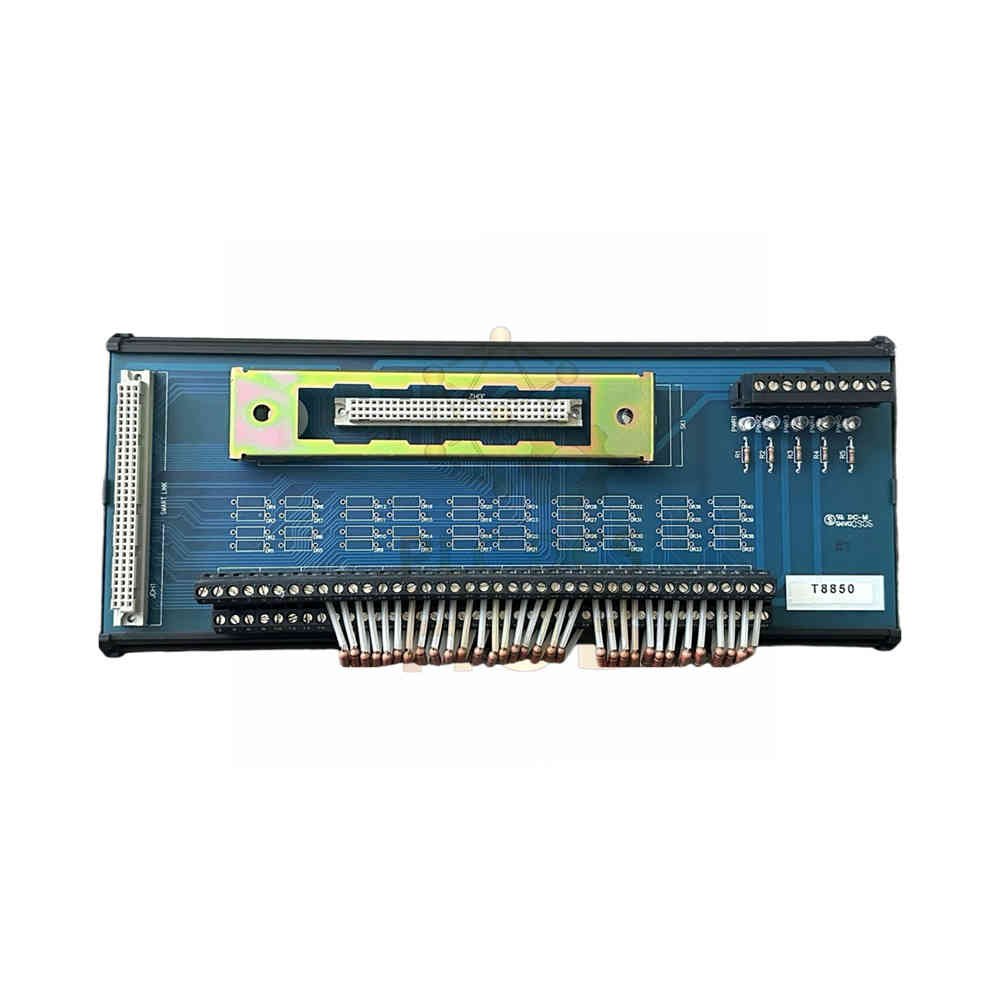
ICS Triplex T8850 Trusted TMR Output FTA | 40-Channel
$ 95.13 Comprar Por WhatsApp -

SICK C4C-SA10530A10000 deTec4 Core – 12m Safety Light Curtain
$ 90.66 Comprar Por WhatsApp -
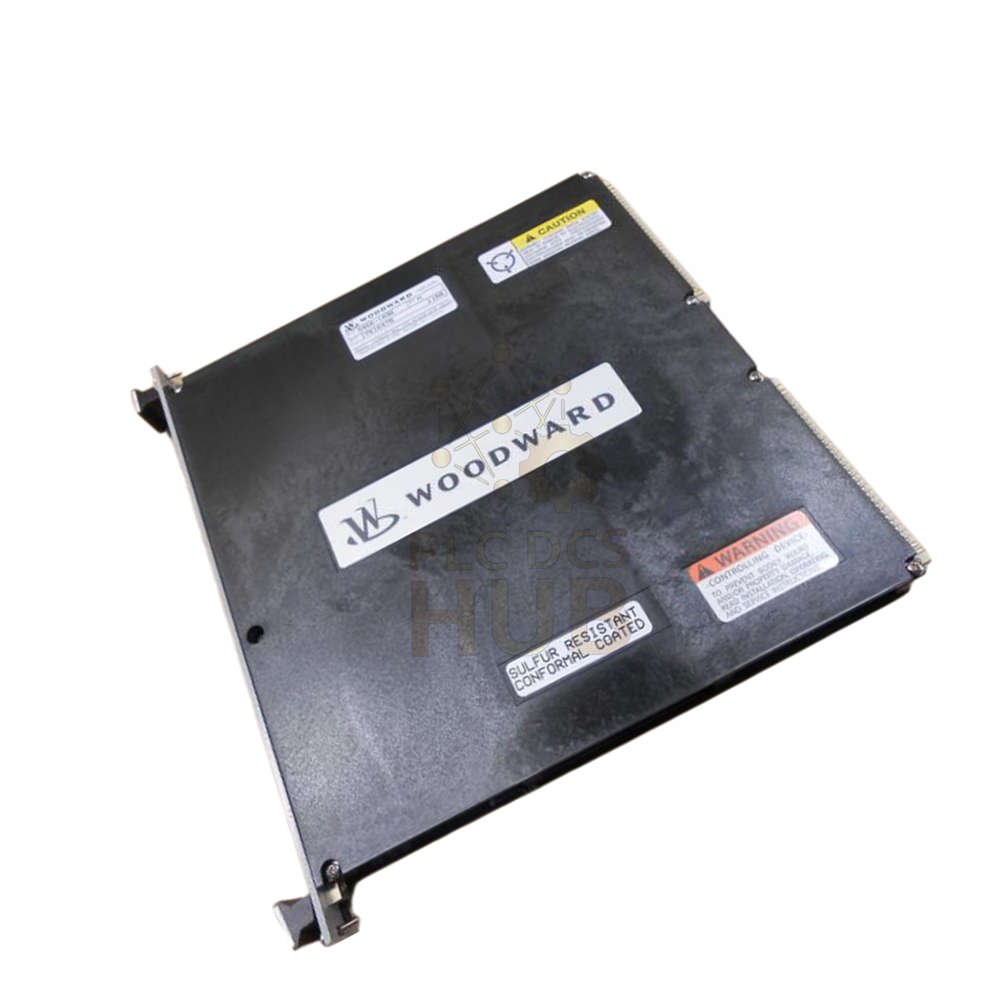
Woodward 5464-643 48-Ch Discrete Input Module | USA Made
$ 91.69 Comprar Por WhatsApp -
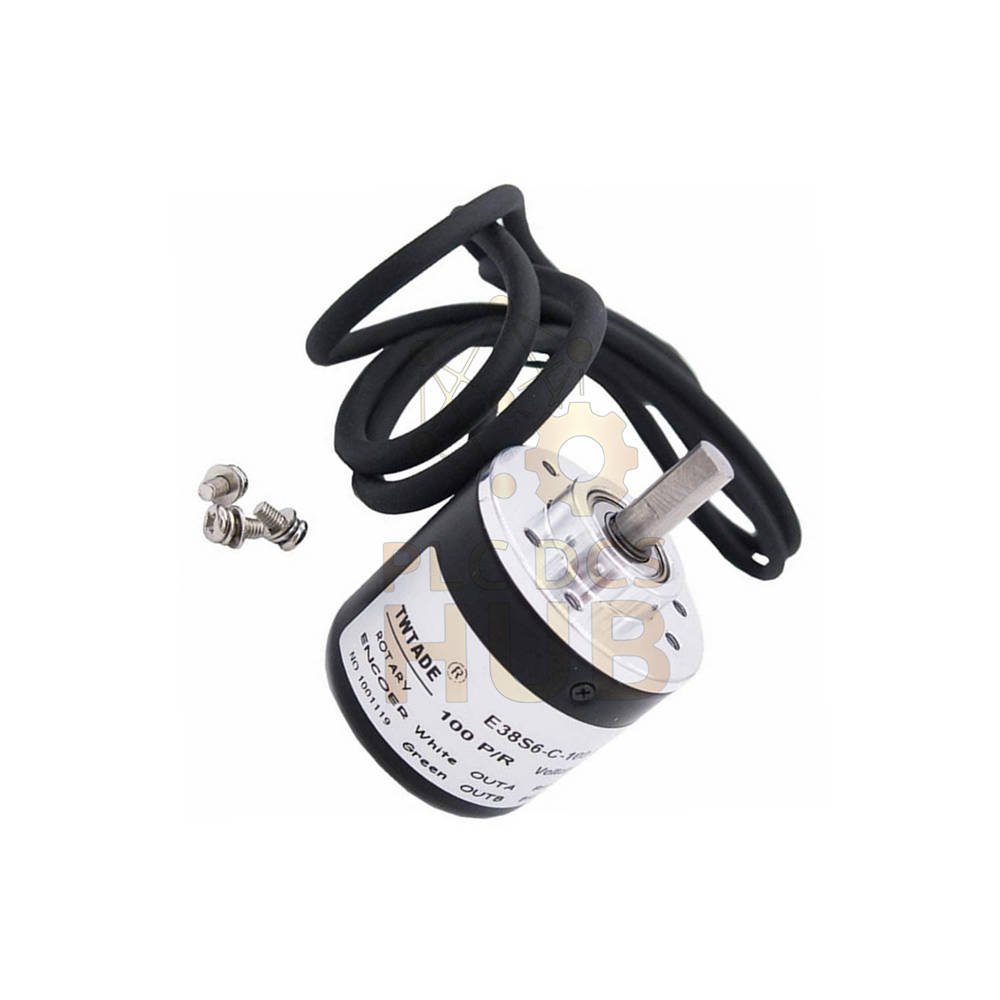
TR CDH75M-00001 SIL3 Rotary Encoder | Hollow Shaft SSI | SIL3 PL e
$ 99.44 Comprar Por WhatsApp